01
Know what is in reserve
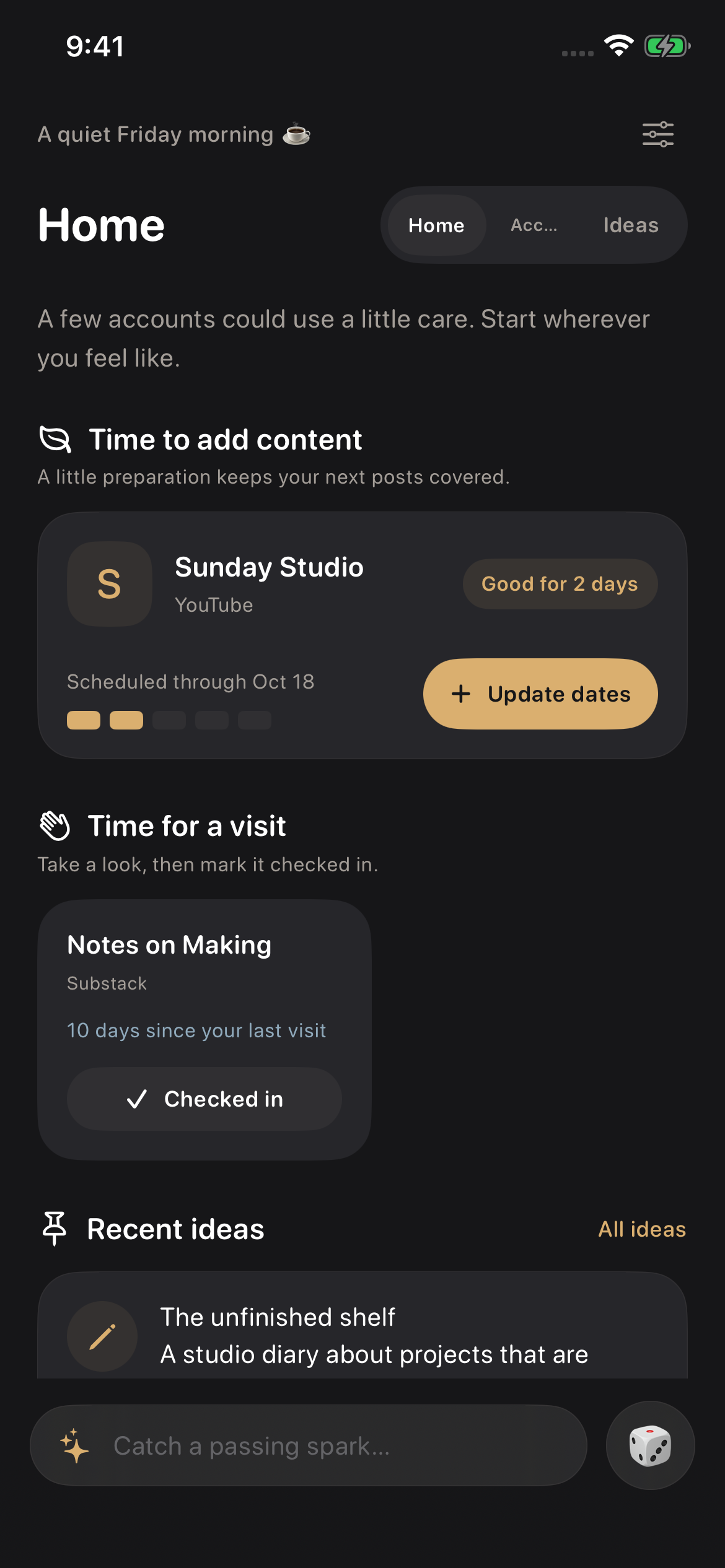
Enter the date your scheduled posts run through, or estimate coverage from your remaining posts and publishing pace. Choose when to be reminded.
CONTENT REMINDERS + AN IDEA NOTEBOOK
Keep your channels in one place. Record your content coverage and set check-in reminders. Capture your next idea in a separate notebook, without linking it to an account.
No registration. No social platform sign-in.
Real app screens · Sample content
ACCOUNT REMINDERS
Keep accounts from different platforms in one place. Kindlora works with what you enter; it does not read data from those platforms.
Enter the date your scheduled posts run through, or estimate coverage from your remaining posts and publishing pace. Choose when to be reminded.
Set an interval for each account. Tap Checked in after reviewing it to restart the timer. Opening the details does not reset it.
Full local notifications are part of the free plan. Pause accounts that are taking a break. iOS manages how notifications appear.
Simplified Chinese, Traditional Chinese, English, and Japanese. Follow the system or choose manually; other system languages default to English.
AN INDEPENDENT NOTEBOOK
Text, photos, speech-to-text, and links. A notebook you can use on its own, with unlimited ideas included in the free plan.
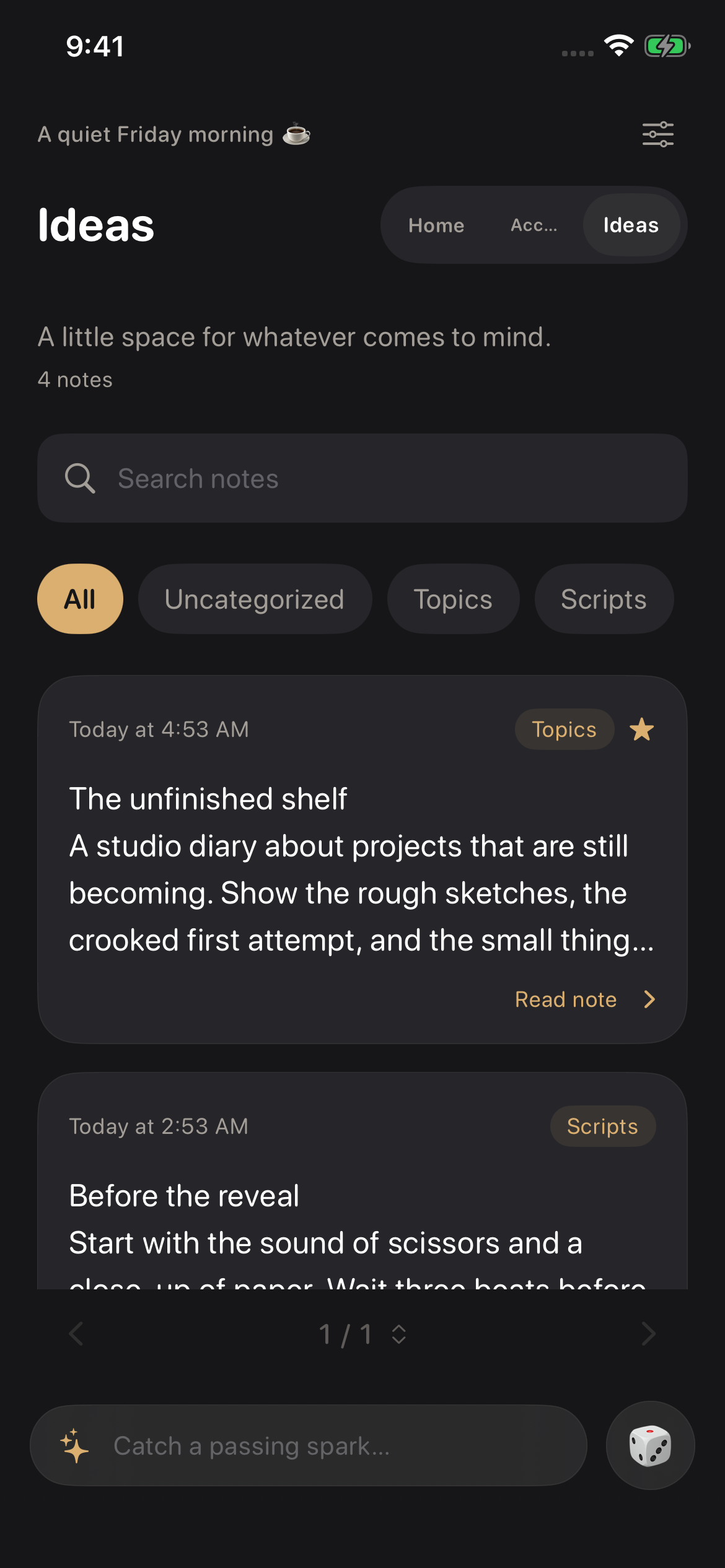
A sentence or a page. Save it first; choose a category later.
Import only the images you select with the system photo picker.
Turn speech into text with Apple recognition. Kindlora saves the words, not an audio recording.
Save a link with a title and preview. Previews may contact the linked site.
Search, favorite, and rediscover a random idea. Speech recognition and link previews may need an internet connection.
FREE & PRO
Free to download. Start with the everyday essentials, and choose Kindlora Pro when you need more accounts.
For iPhone with iOS 17 or later and iPad with iPadOS 17 or later. Free to download with optional Kindlora Pro in-app purchases.
3 accounts. Unlimited ideas.
More room for your channels and creative routine
Choose a monthly or yearly Kindlora Pro subscription, or a one-time lifetime purchase. Prices, billing periods and availability appear in the App Store purchase confirmation. A lifetime purchase does not cancel an existing subscription; manage it in your Apple subscription settings.
Read purchase and subscription termsPRIVACY & DATA
Your accounts and ideas are stored on your device. No social platform sign-in or ad tracking, and your notes are not uploaded to our servers. Optional Apple speech recognition and link previews may use the internet. See the privacy policy for details.
Understand how data is handledFind answers about reminders, your data, language settings and purchases.